See It In Action
A beautiful, intuitive interface designed for creativity.
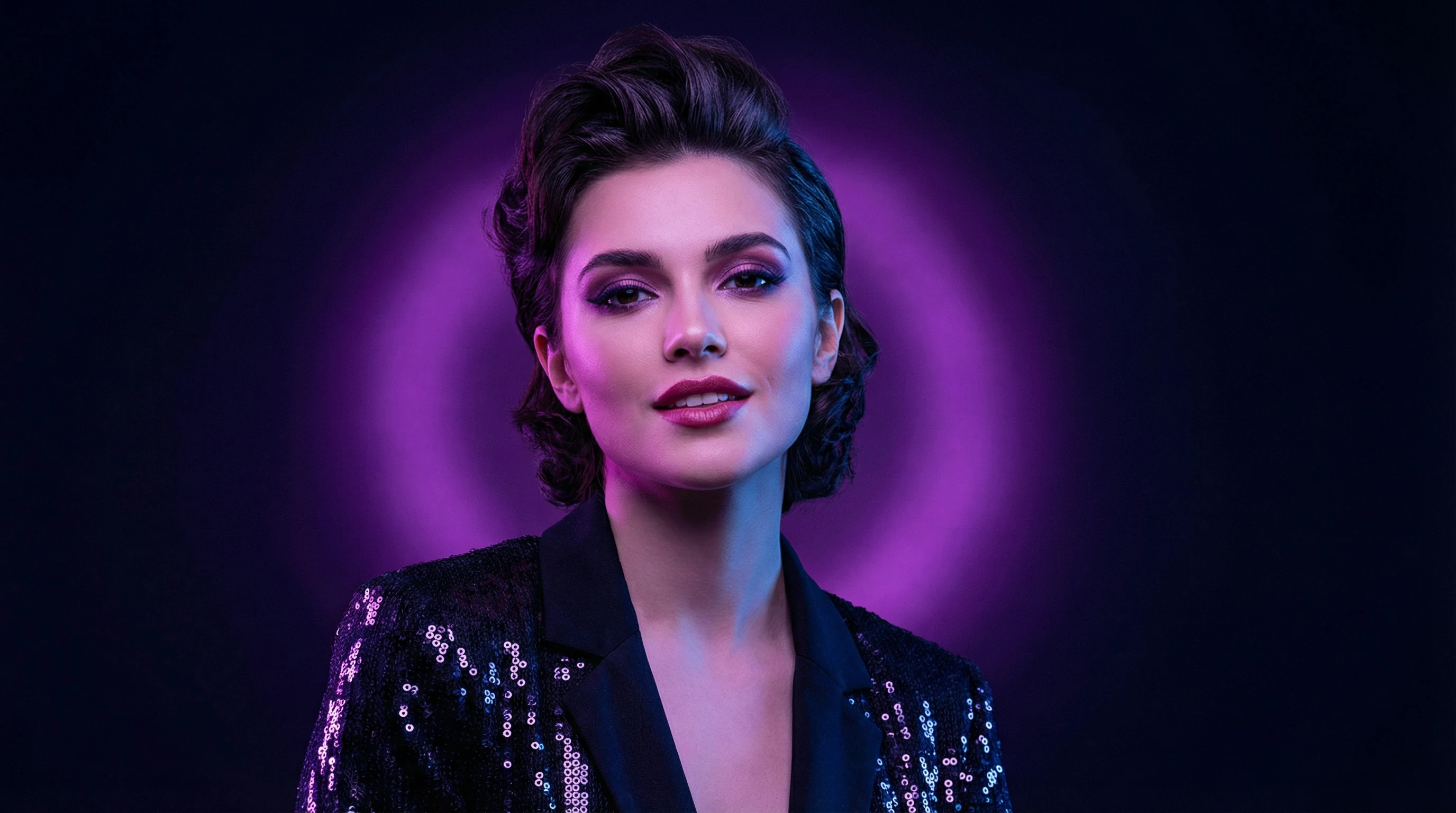
AI Image Generation Interface
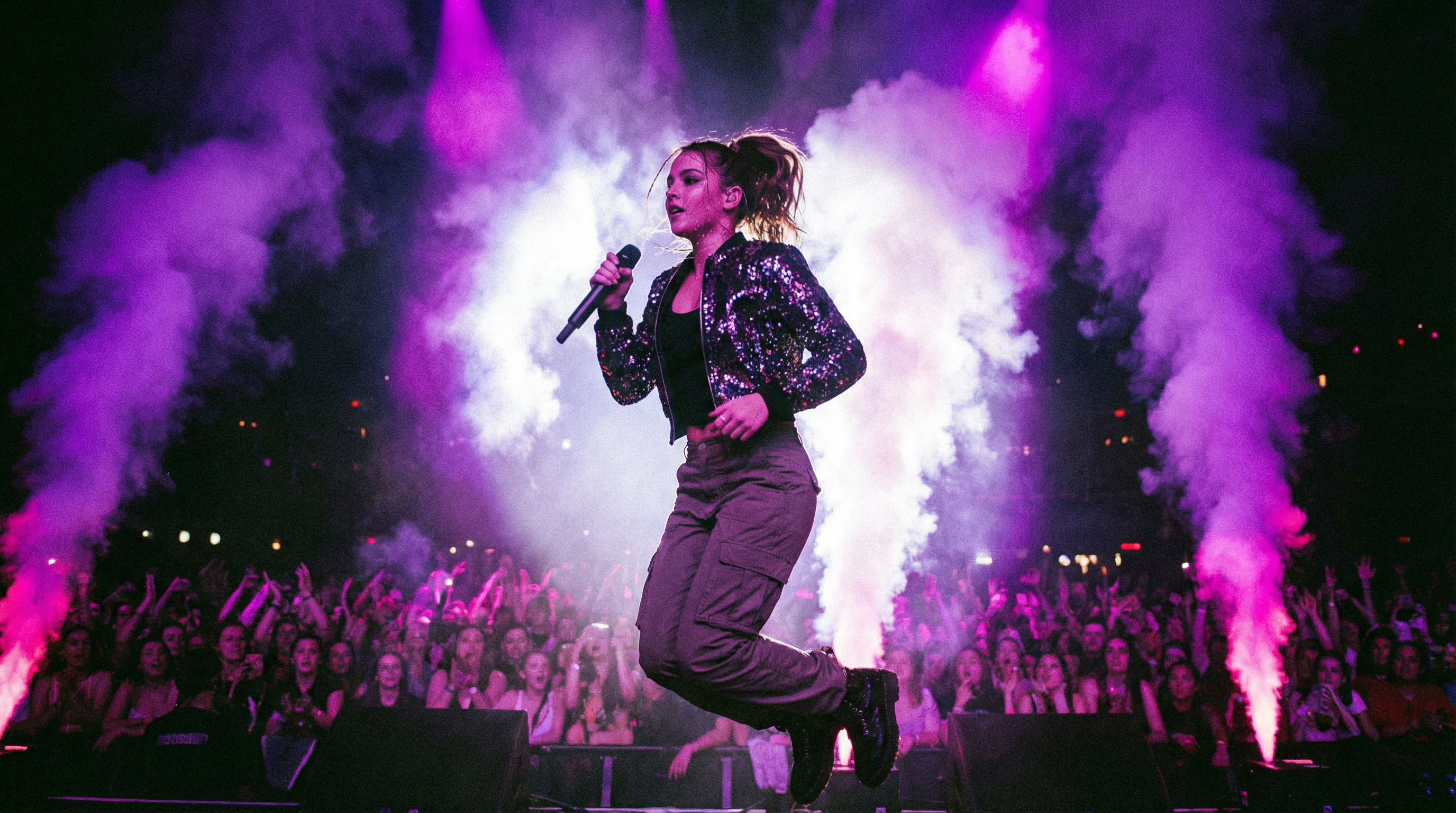
Generated Images Gallery
One-click desktop app for AI image generation. No GPU required, no cloud needed, completely offline. Create stunning images on any computer.
Experience AI image generation directly in your browser. For the full experience, download the desktop app.
This is a cloud demo. The desktop app runs completely offline on your computer.
One-click installer for Windows, macOS, or Linux. No complex setup required.
Select from multiple Stable Diffusion models. Models are downloaded once and cached locally.
Enter your prompt and create stunning AI images. Everything runs on your CPU, no GPU needed.
Everything you need for local AI image generation, without the complexity.
Generate images directly on your computer using stable-diffusion.cpp. No internet required, complete privacy for your prompts and creations.
Runs on CPU with optimized inference. Works on any modern computer - no expensive GPU needed to create AI art.
Once models are downloaded, everything runs locally. Perfect for privacy-conscious users and air-gapped systems.
Support for various Stable Diffusion models including SD 1.5, SDXL, and optimized variants. Choose the best model for your needs.
Generate multiple images at once with different seeds. Create variations and find the perfect result efficiently.
Save your favorite prompts and settings as templates. Quickly access your go-to configurations for consistent results.
A beautiful, intuitive interface designed for creativity.
AI Image Generation Interface
Generated Images Gallery
Compare Z Image with other local AI image generation tools.
| Feature | Z Image | ComfyUI | Automatic1111 |
|---|---|---|---|
| Setup Complexity | One-click install | Complex | Complex |
| GPU Required | Not required | ||
| Disk Space | ~200MB + models | 10GB+ | 10GB+ |
| Learning Curve | Beginner-friendly | Steep | Moderate |
| Cross-Platform | Win/Mac/Linux | Limited | Windows focus |
| Offline Mode | Full offline | Partial | Partial |
| Price | 100% Free | Free | Free |
Free to download. Available for Windows, macOS, and Linux.
Windows 10+, macOS 10.15+, or Linux (Ubuntu 20.04+). No GPU required. 8GB RAM recommended for optimal performance.
Everything you need to know about Z Image.
Download Z Image and experience local AI image generation without the complexity.
Download for Free